

Table of Contents
We just shipped our latest platform release, and honestly? We’re pretty excited about it.
This update is all about helping you connect with your people more effectively—whether you’re trying to get urgent information to frontline workers, making sense of engagement data, or just trying to cut through the noise in everyone’s already-crowded inboxes.
The best part? A lot of these features came straight from listening to you. Let’s dive in.
Personalization that actually scales
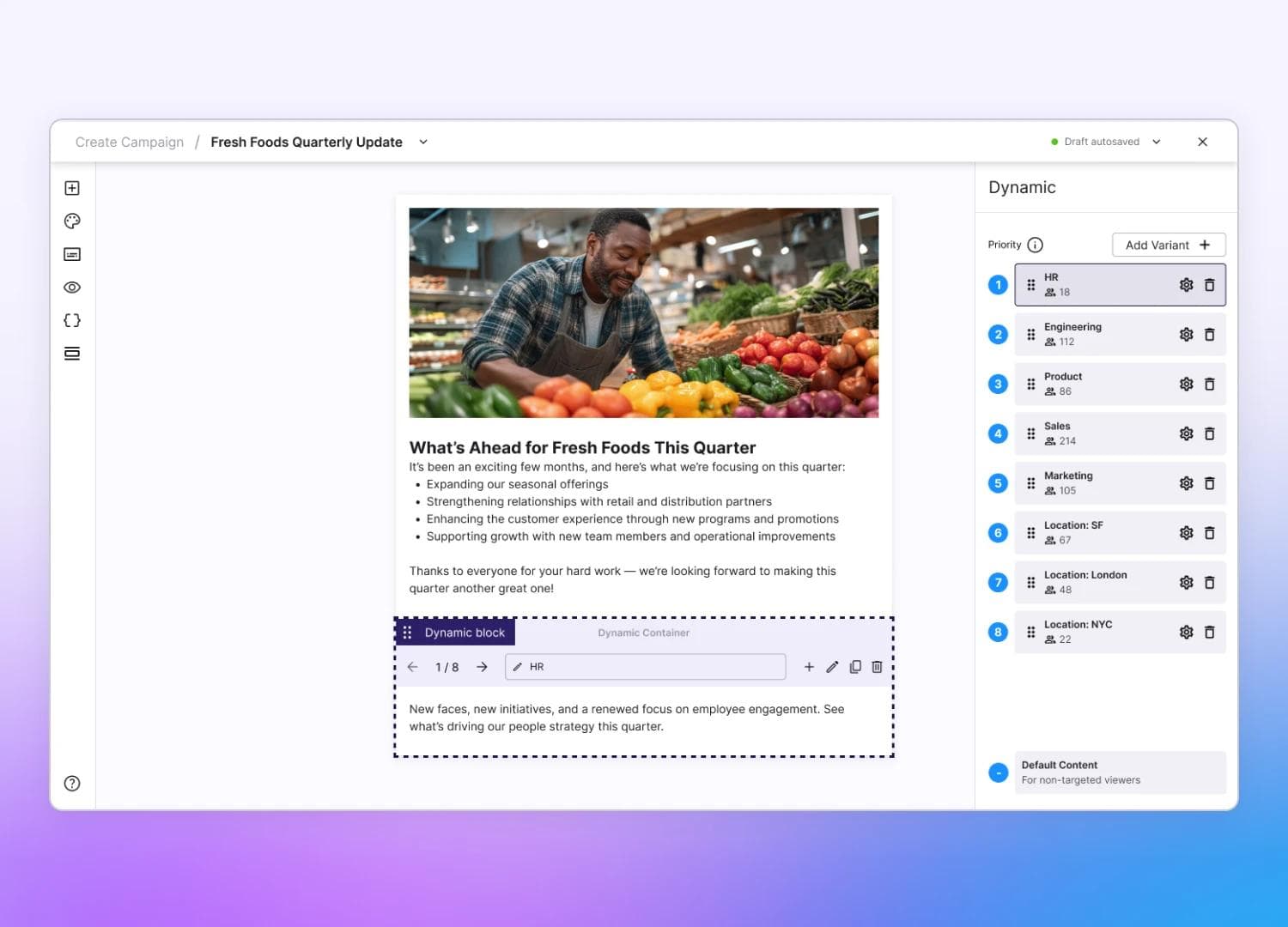
Here’s a common challenge: you need to send one campaign, but different groups need to see different things. Maybe you’re announcing new product offerings in one division, but different offerings in another. Previously, that meant multiple campaigns. Not anymore.
Audience Block Targeting lets you customize specific sections within a single campaign for different audiences. It’s like having multiple versions of the same message, automatically served up to the right people. Less work for you, more relevant content for them.
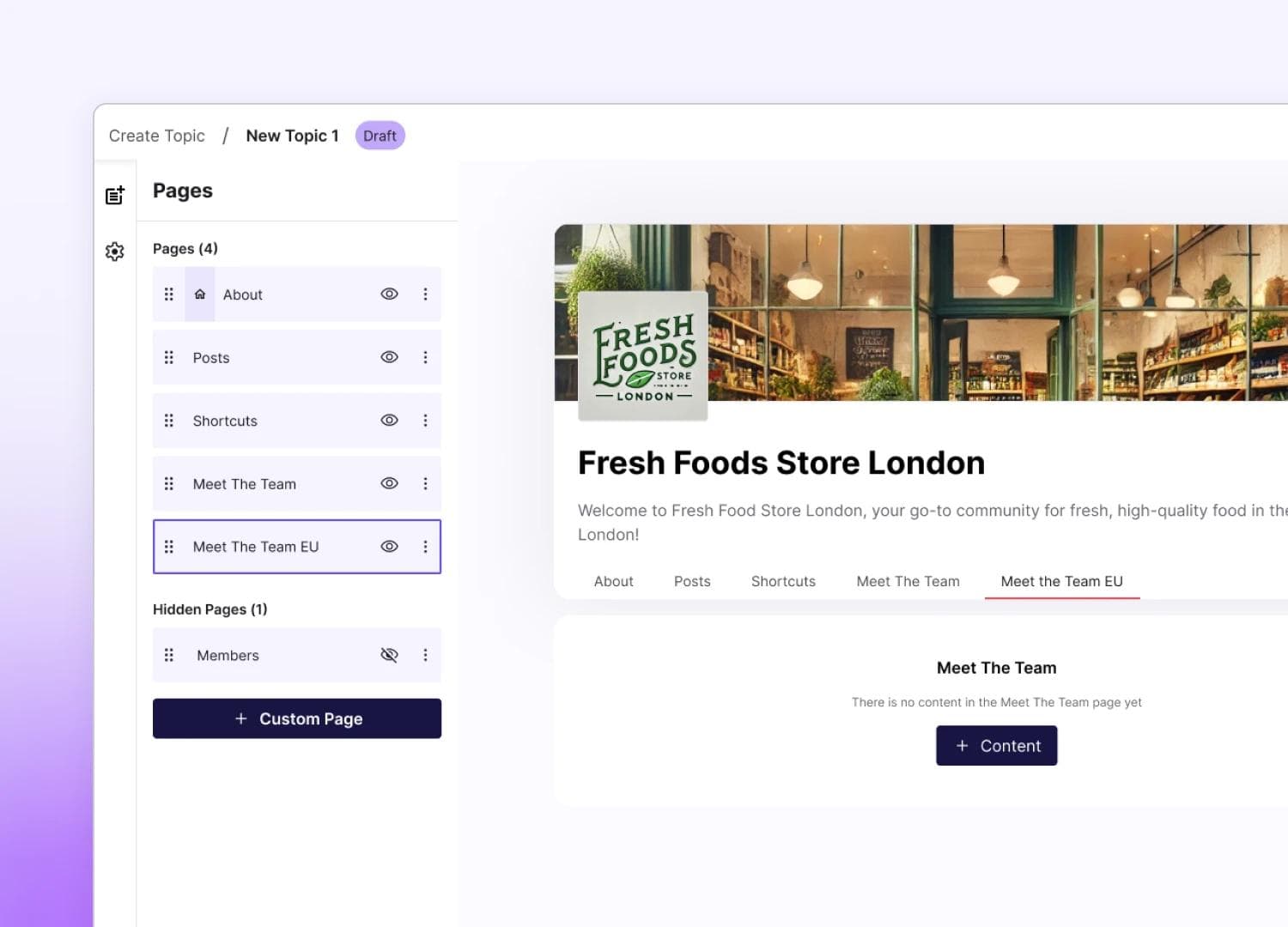
We’ve also upgraded our Knowledge Hub to make it easier to build those go-to information spaces employees actually use—think policy libraries, benefits guides, or resource centers. Better admin controls mean you can more easily create, organize, and update pages.
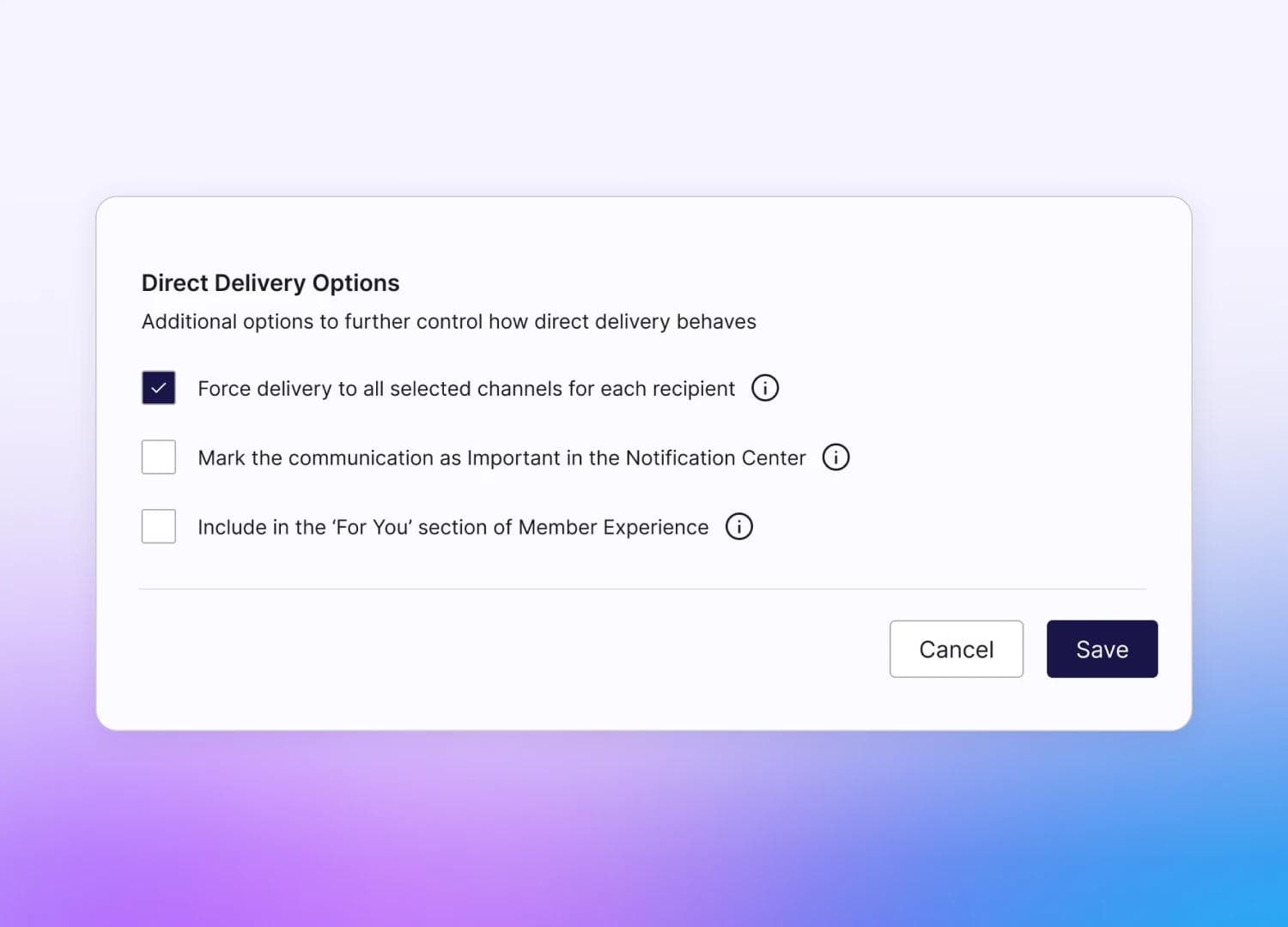
And when something truly urgent comes up? Forced Delivery ensures those messages reach everyone, regardless of their usual channel preferences. Because sometimes “optional” just isn’t an option.
Your data, your way, right when you need it
If you’ve ever wanted to dig deeper into your engagement data using your own analytics tools, this one’s for you.
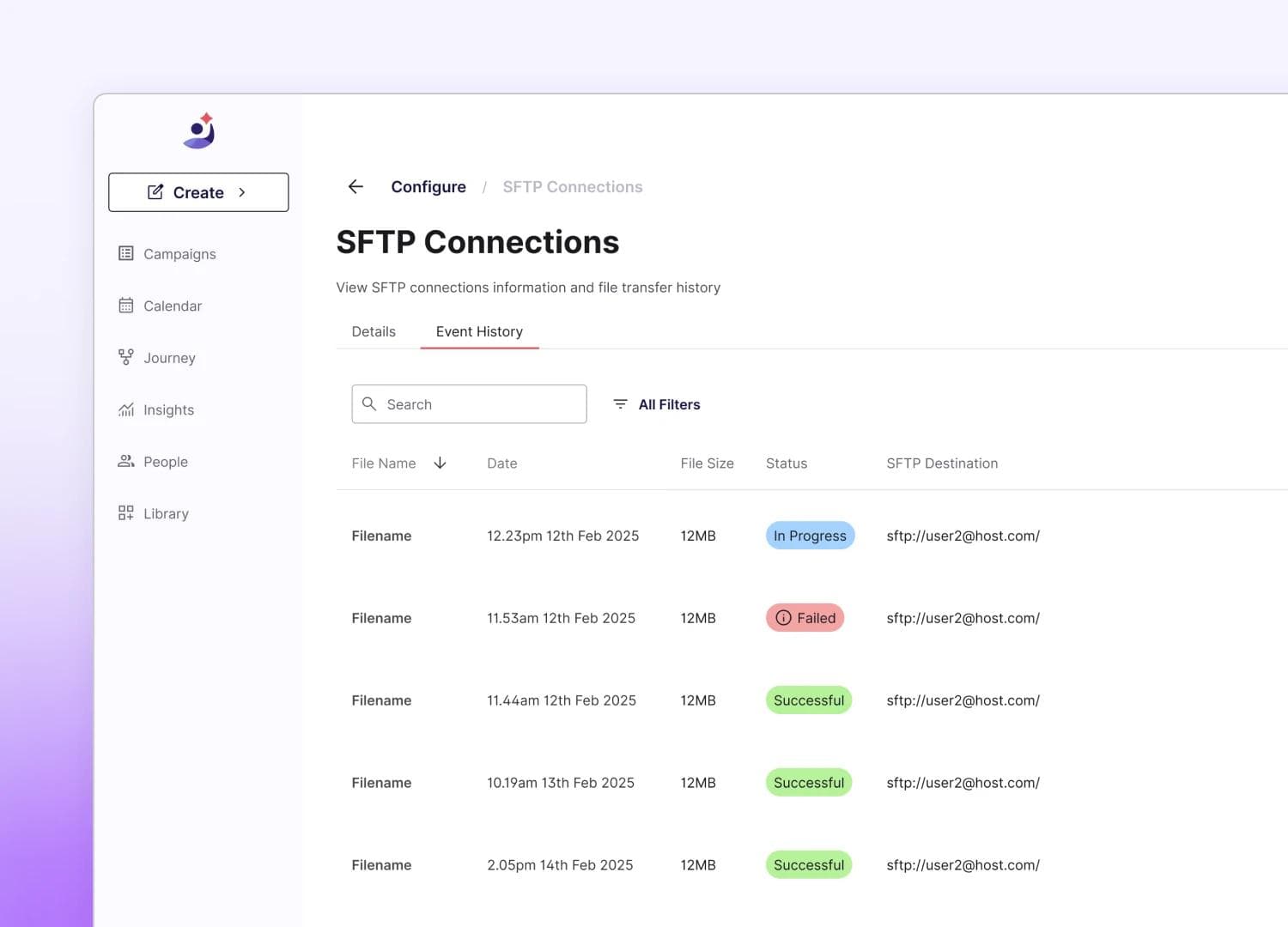
Our enhanced Direct Data Export capabilities give your analytics teams near real-time access to raw engagement data through automated, secure exports. Whether you’re a Tableau devotee, a Looker loyalist, or have your own BI stack, you can now pull Firstup data into your existing workflows and dashboards.
Translation? Faster insights, better decisions, and no more waiting around for custom reports.
Integration where work actually happens
Communication doesn’t exist in a vacuum. Your employees are already using tools like Workday and Concur every day, so we’re meeting them there.
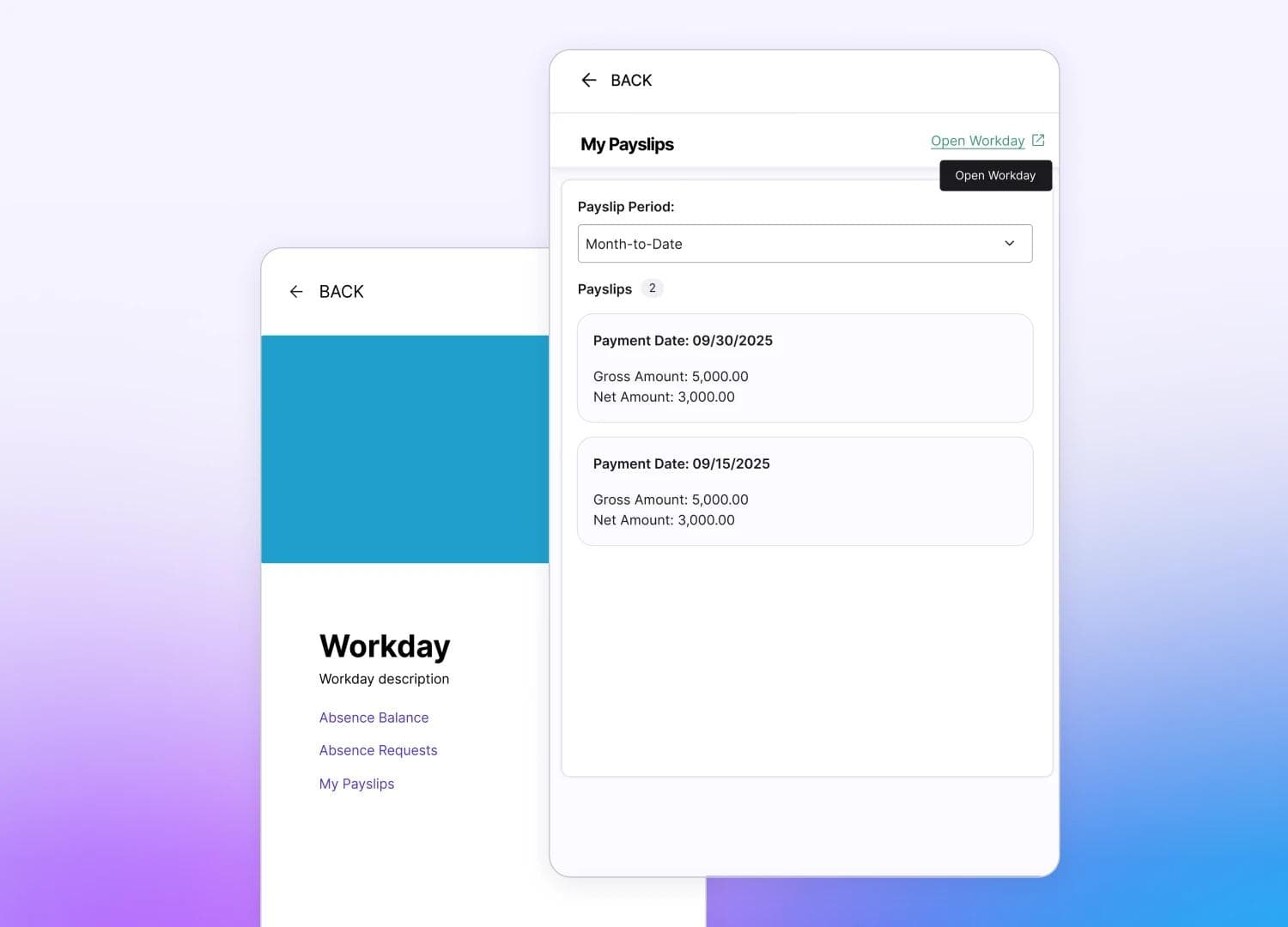
Our expanded Workday integration now lets employees check pay slips, time-off balances, and absence requests right inside Firstup. One less system to log into, one less password to remember.
For our Concur users, managers can now view receipts inline with expense reports—whether you’re in the US or EU. Faster approvals, less friction, happier managers.
Why this matters
Every update in this release is designed to solve a real problem—making personalization easier, getting you data faster, and reducing the number of tools your people need to juggle. Whether you’re already using Firstup or just exploring what modern employee communication can look like, these capabilities are about making your job easier and your employees’ experience better.
Because when communication works—when people get the right information at the right time in the right place—everything else gets easier. Projects move faster. Engagement goes up. People actually know what’s going on.
Ready to see it in action?
All these features are live and ready to use today. If you’re already a Firstup customer, reach out to your account team to learn how to enable these capabilities. If you’re new here and curious about how Firstup can transform your employee communication, let’s talk.
Want to learn more about this release? Read more on our Knowledge Base.
Table of Contents
Related posts
Subscribe via Email
Subscribe to our blog to get insights sent directly to your inbox.
Related posts




Sign up to receive the latest news and resources from Firstup
Firstup delivers personalized communication and data insights to improve the employee experience at every moment that matters